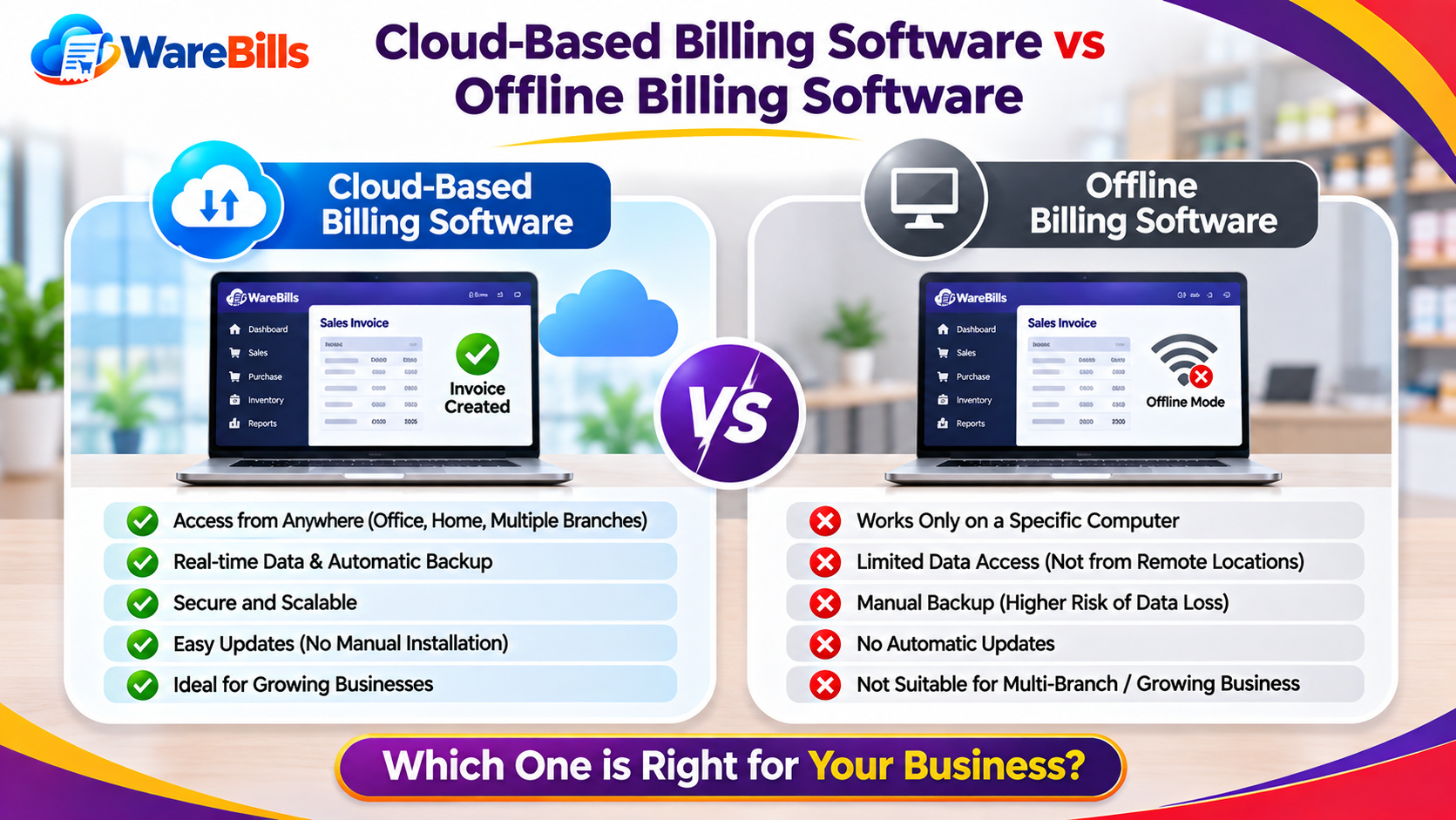
Understanding these differences helps businesses choose software that matches their actual needs, budget and workflow.
1. What Is Billing Software?
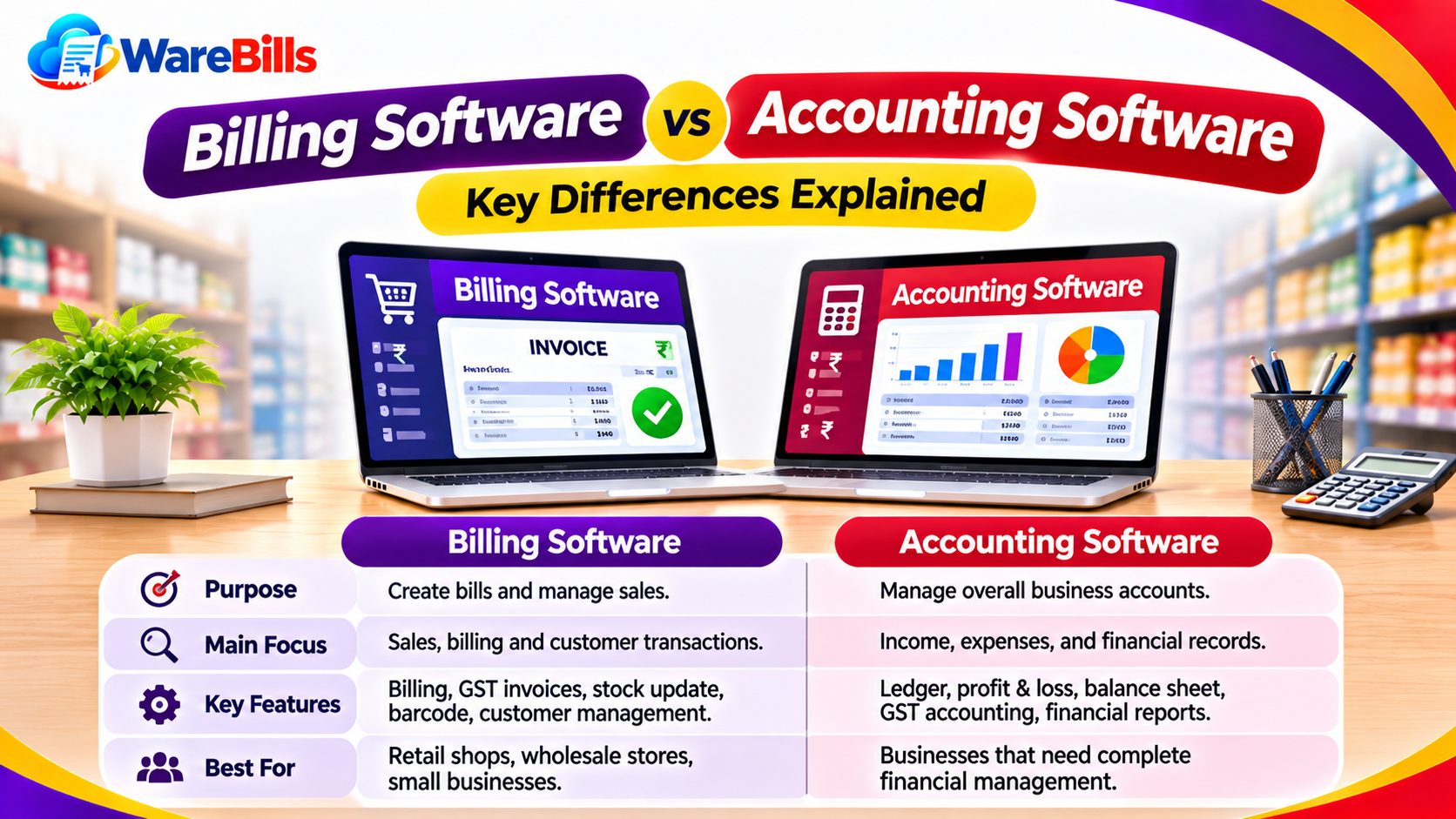
Billing software helps businesses prepare invoices and manage sales transactions. It is commonly used by retail shops, wholesalers, distributors, service providers and other businesses that need to bill customers.
Common billing functions may include:
- Creating sales invoices.
- Maintaining customer and product details.
- Calculating totals, discounts and applicable taxes.
- Recording payments and outstanding amounts.
- Managing sales transactions.
- Generating sales reports.
Some billing solutions also include inventory management, purchase records, returns and stock reports. However, these features vary by provider.
For example, a retail shop that processes many customer purchases each day may benefit from software that makes invoice creation and transaction recording quick and consistent.
2. What Is Accounting Software?
Accounting software helps businesses record, organise and review financial transactions. It is generally used to understand the financial position of the business and maintain accounting records.
Depending on the solution, features may include:
- Income and expense recording.
- Accounts payable and receivable.
- Bank reconciliation.
- General ledger management.
- Financial statements.
- Profit and loss reporting.
- Balance sheet preparation.
- Tax-related accounting reports.
A business that needs to review expenses, reconcile bank transactions and prepare financial statements may require accounting functionality beyond basic invoice generation.
The exact features available depend on the software package and subscription.
3. Billing Software vs Accounting Software: Key Differences
These categories overlap. Some products combine billing, inventory and accounting, while others focus on one area.
4. When Does Your Business Need Billing Software?
Billing software may be a suitable starting point if your main operational challenges involve invoicing and sales records.
Consider billing software when you need to:
- Create invoices quickly.
- Maintain customer and product information.
- Reduce manual calculation errors.
- Record daily sales transactions.
- Track customer payments and outstanding amounts.
- Manage product stock, if the software supports inventory features.
- Generate basic sales reports.
Example: A small clothing shop that mainly needs product billing, sales records and stock tracking may prefer a billing solution with suitable inventory features.
Before choosing, verify that the software supports your tax requirements, product range and payment workflow.
5. When Does Your Business Need Accounting Software?
Accounting software becomes more important when your business needs a broader view of its finances.
Consider accounting software when you need to:
- Track business income and expenses.
- Manage supplier payments and customer receivables.
- Reconcile bank transactions.
- Maintain ledgers and accounting entries.
- Review profit and loss.
- Prepare financial statements.
- Organise records for accountants and tax professionals.
Example: A growing distribution business that processes many transactions and needs detailed financial reports may require dedicated accounting functionality alongside its billing workflow.
The need depends on transaction complexity, reporting requirements and how the business manages its books.
6. Can One Software Handle Both Billing and Accounting?
Yes, some business software combines invoicing, inventory and accounting features. This can reduce duplicate data entry and help different teams work with consistent records.
However, not every billing solution offers complete accounting functionality, and not every accounting package includes advanced inventory operations.
Before selecting an all-in-one solution, check whether it supports the features you actually need:
- Sales and purchase invoices.
- Inventory and stock movement records.
- Customer and supplier balances.
- Expense and payment tracking.
- Bank reconciliation.
- General ledger and financial statements.
- Required tax reports and integrations.
- Appropriate access controls and data backup.
If your business already uses accounting software, check whether the billing solution can integrate with it reliably before replacing either system.
7. Billing Software vs Accounting Software: Practical Business Examples
Small Retail Shop
A shop that needs daily invoices, product pricing and stock tracking may start with billing software that includes the required inventory features.
If it also needs detailed expense tracking and financial statements, accounting functionality may be necessary.
Wholesale Business
A wholesaler may need purchase billing, sales invoices, stock transfers, customer balances and supplier records. An integrated billing and inventory solution may help manage these operational activities.
The business should separately confirm whether its financial reporting requirements are also covered.
Service Business
A service provider may mainly need quotations, invoices, payment records and customer details. Inventory features may be unnecessary unless the business also sells physical products.
Growing Business With Multiple Locations
A business operating across multiple branches may need centralised financial records, location-wise inventory visibility and more detailed reporting. It should evaluate the system's multi-location capabilities and accounting requirements before making a decision.
8. Common Mistakes When Choosing Business Software
Avoid selecting software based only on price or the number of features advertised.
Common mistakes include:
- Assuming all billing software includes full accounting.
- Assuming all accounting software supports detailed inventory tracking.
- Ignoring the number of users and branches required.
- Overlooking data migration and integration costs.
- Failing to verify tax-related functionality.
- Choosing a complicated solution for a simple workflow.
- Ignoring data backup, permissions and support.
- Not testing the software with real business transactions.
Prepare a list of essential requirements before comparing providers. A short demonstration using your typical transactions can reveal important limitations.
How WareBills Fits Into the Decision
Businesses looking for billing and inventory management can explore WareBills to evaluate whether its available features fit their day-to-day operations.
Review the functions relevant to your business, such as sales billing, product records, inventory workflows, purchase transactions and reports. If you need full accounting functionality—such as general ledger management, bank reconciliation or financial statements—confirm whether those requirements are supported or whether a separate accounting solution is necessary.
The goal is to choose a system that fits your workflow rather than paying for features you do not use or overlooking capabilities your business genuinely needs.
Conclusion
Billing software and accounting software serve related but different purposes. Billing software helps businesses manage invoices and sales transactions, while accounting software provides broader financial record-keeping and reporting.
For many businesses, the right choice depends on transaction volume, inventory requirements, financial reporting needs and plans for growth. Compare the available features carefully, test important workflows and confirm any compliance requirements before implementation.