A structured inventory management process helps businesses maintain accurate stock records, monitor warehouse movements, and make better purchasing decisions. With suitable inventory management software, businesses can manage these activities from a centralized system.
What Is Multi-Warehouse Inventory Management?
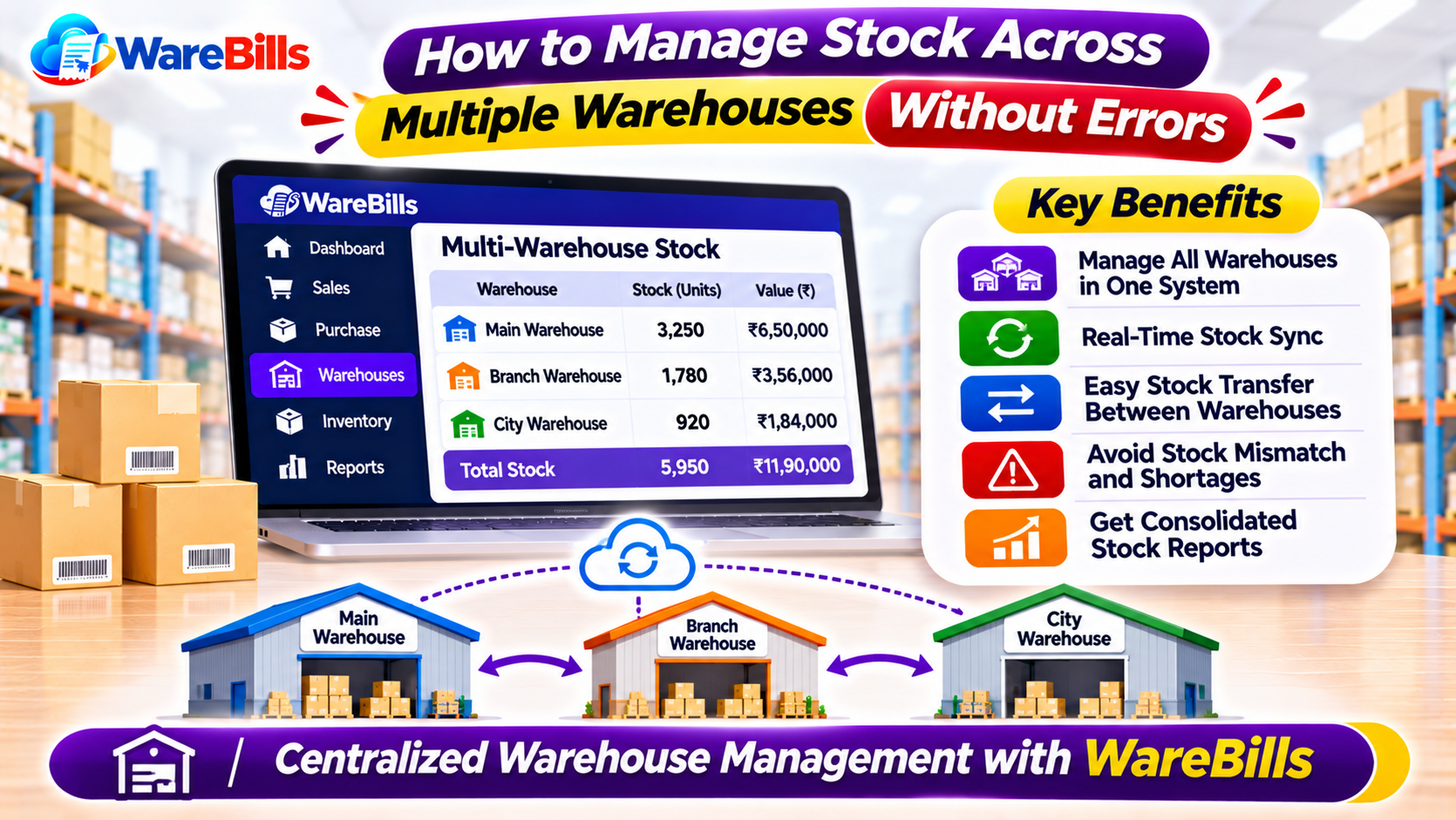
Multi-warehouse inventory management is the process of tracking, storing, transferring, and controlling stock across two or more warehouses or storage locations.
For example, a wholesale business in Tamil Nadu might store products in a main warehouse in Madurai and distribute them to smaller warehouses in Tirunelveli and Coimbatore. The business needs to know how much stock is available at each location before confirming an order or arranging a transfer.
A reliable inventory management process helps businesses view stock by warehouse instead of relying on a single combined quantity.
Common Inventory Problems Faced by Businesses With Multiple Warehouses
1. Incorrect Stock Availability
When warehouse records are not updated promptly, staff may assume a product is available when the actual stock is insufficient. This can delay order fulfilment and affect customer satisfaction.
2. Unrecorded Stock Transfers
Products may move between warehouses without proper documentation. If the transfer is not recorded correctly, one warehouse may show excess stock while another shows a shortage.
3. Excess Inventory and Unnecessary Purchases
Without warehouse-wise stock visibility, businesses may purchase products that are already available at another location. This increases storage costs and ties up working capital.
4. Difficulty Tracking Damaged or Missing Products
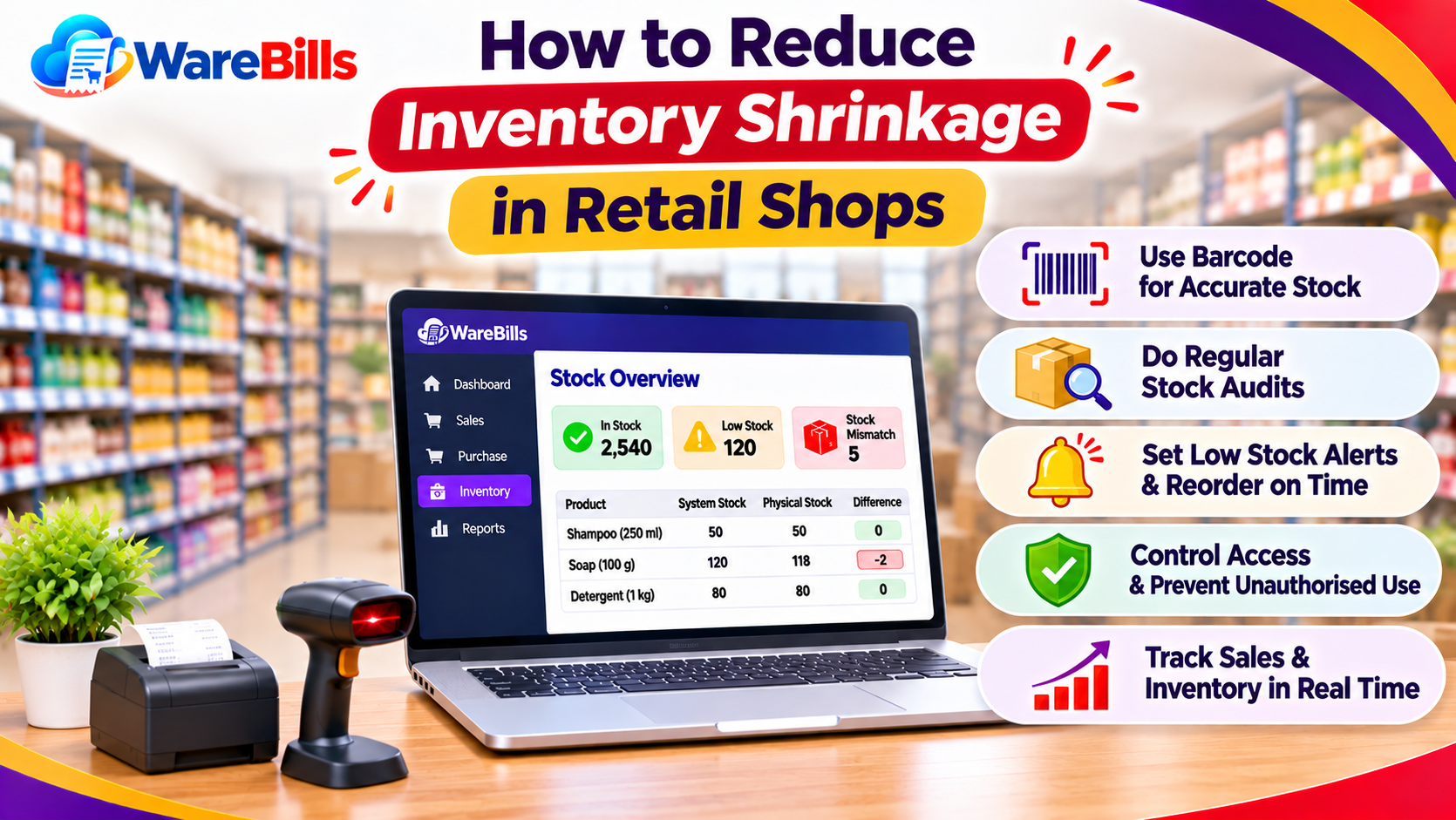
Stock differences can occur because of damaged goods, incorrect entries, returns, or unrecorded movements. Regular stock verification helps identify these issues.
5. Delayed Inventory Reports
Manually combining stock records from multiple locations takes time and can introduce errors. Centralized reports make it easier to review inventory across the business.
6 Ways to Manage Stock Across Multiple Warehouses
1. Maintain Separate Stock Records for Each Warehouse
Every warehouse should have its own stock records. Product quantities should be updated according to purchases, sales, returns, and transfers.
Warehouse-wise records help staff identify where products are available and reduce confusion when processing orders.
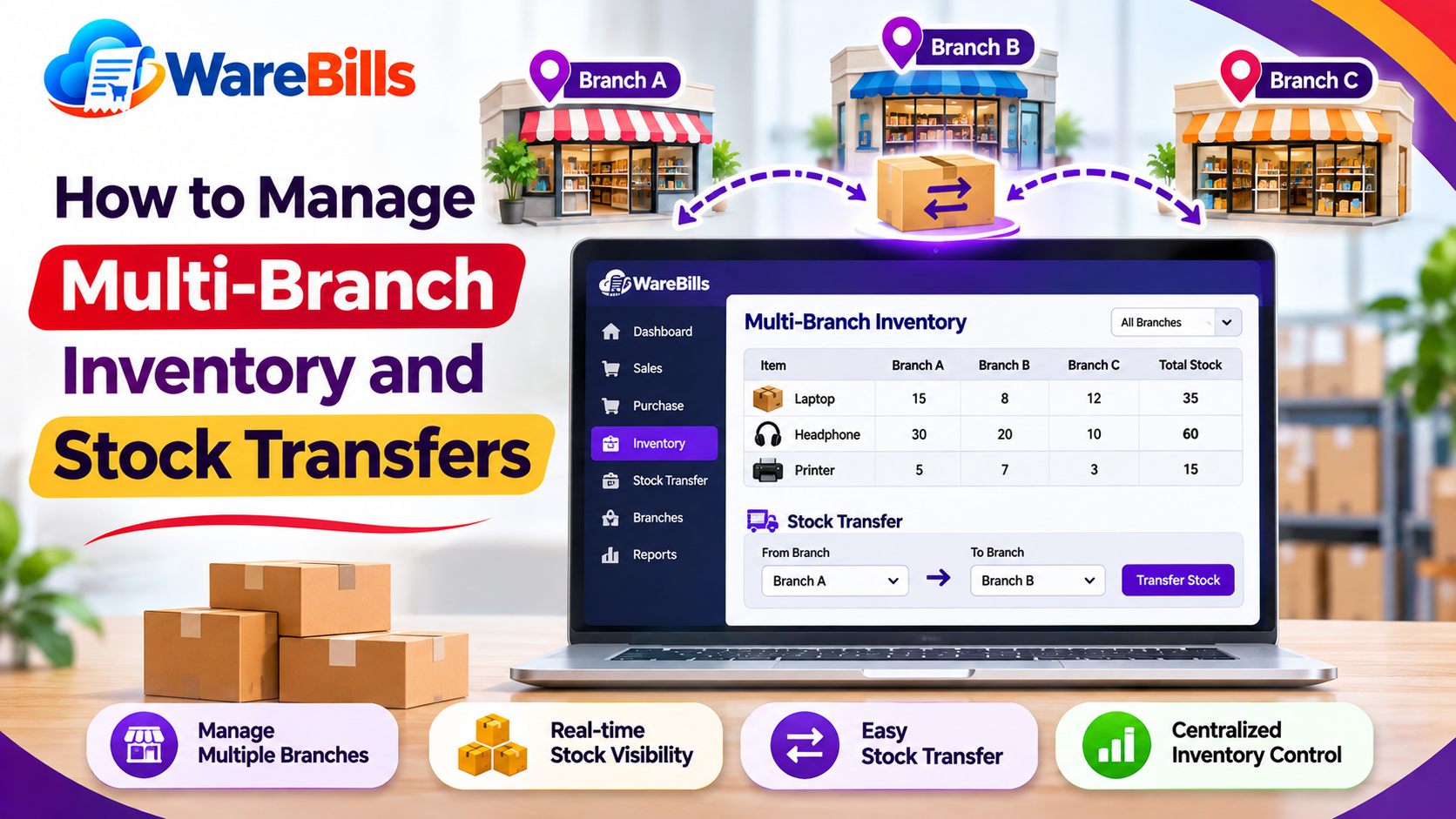
2. Record Every Stock Transfer
A stock transfer should include the source warehouse, destination warehouse, product details, quantity, transfer date, and relevant reference number.
The transfer process should also account for goods in transit where necessary. This helps prevent the same stock from being counted at both locations or disappearing from inventory records.
3. Use Centralized Inventory Management Software
Inventory management software can help businesses maintain warehouse-wise stock information in one system.
Depending on the software, users may be able to review stock by location, record transfers, track purchases and sales, and generate inventory reports. Before choosing a solution, confirm that it supports the number of warehouses and workflows your business requires.
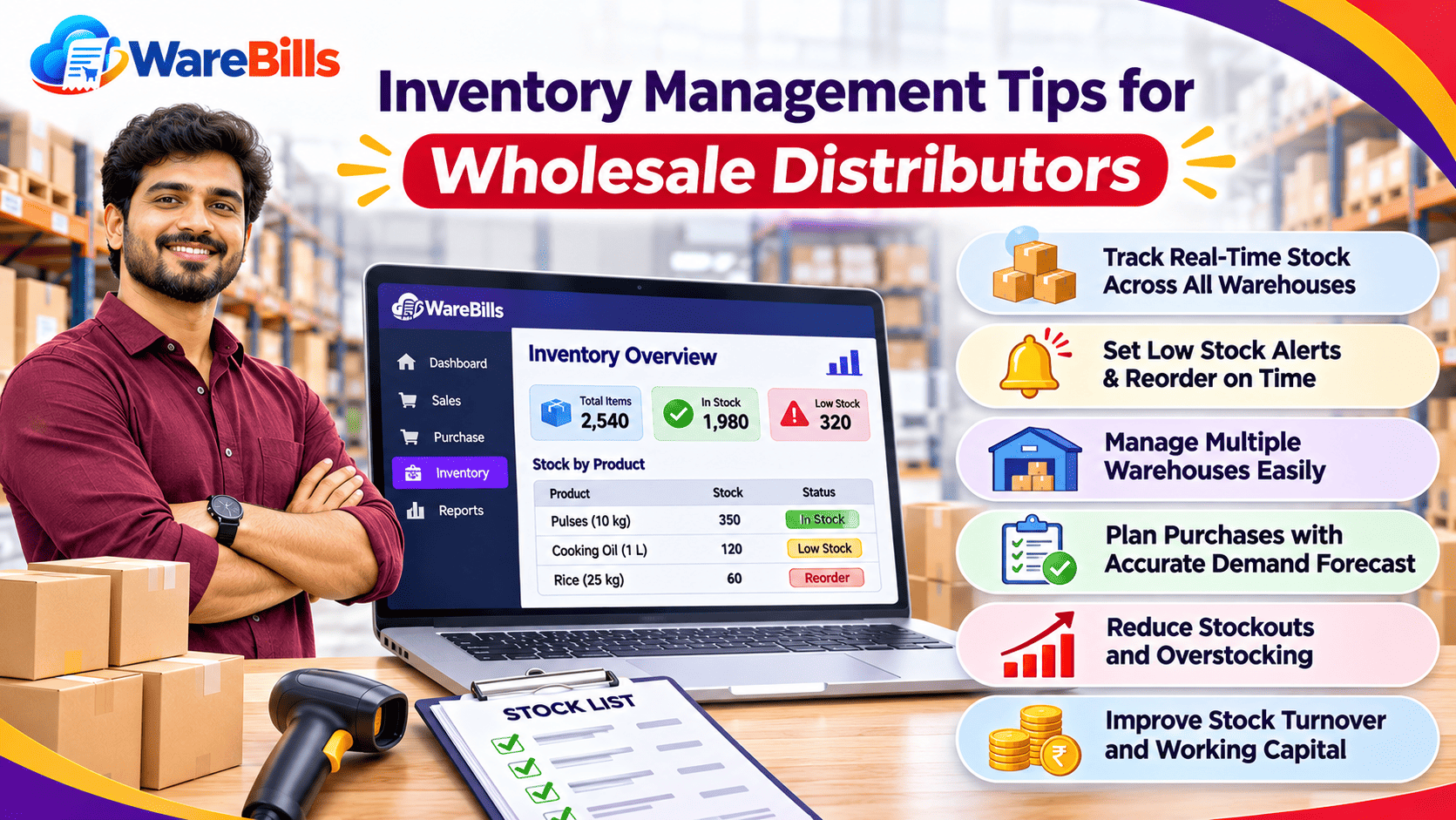
4. Set Reorder Levels for Each Location
Demand may differ between warehouses. A product that sells quickly in one location might move slowly in another.
Set appropriate reorder levels based on sales patterns, supplier lead times, seasonal demand, and the stock available at each warehouse. This can help reduce stockouts without creating unnecessary surplus.
5. Conduct Regular Physical Stock Verification
Compare physical quantities with recorded quantities at scheduled intervals. High-value and fast-moving products may need more frequent checks.
When differences appear, investigate possible causes such as incorrect entries, unrecorded transfers, damaged goods, or sales recorded against the wrong warehouse. Make adjustments only after following the business's verification process.
6. Standardize Product Names and Codes
Use consistent product names, SKUs, barcodes, and units of measurement across warehouses.
For example, recording the same product under different names can create duplicate entries and make reports unreliable. Standardized product records improve stock tracking and reporting accuracy.
7. Review Warehouse-Wise Inventory Reports
Regularly review available stock, low-stock products, fast-moving items, slow-moving inventory, stock transfers, and inventory adjustments.
These reports help managers identify imbalances between locations and decide whether stock should be transferred, replenished, or reviewed before placing new purchase orders.
How to Choose Multi-Warehouse Inventory Management Software
Before selecting a solution, check whether it supports:
- Separate stock tracking for multiple warehouses.
- Warehouse-to-warehouse stock transfers.
- Purchase, sales, and return transactions.
- Product codes and barcode support, if required.
- Stock adjustments and inventory reports.
- User permissions and transaction history.
- Low-stock alerts and reorder monitoring, where needed.
- Reports that help managers compare inventory across locations.
Businesses should also evaluate ease of use, implementation requirements, pricing, customer support, and the ability to accommodate future growth.
How WareBills Can Help Businesses Manage Inventory
WareBills provides billing and inventory management features for businesses that need to organize daily sales and stock operations. Its warehouse inventory and billing capabilities may help businesses manage stock-related workflows alongside purchase and sales transactions.
Businesses considering WareBills should review the available features and confirm that the required warehouse count, transfer workflow, reporting options, and inventory controls match their operations.
Explore the relevant WareBills inventory features or contact the team to understand which configuration suits your business.
Conclusion
Managing stock across multiple warehouses requires consistent records, documented stock transfers, regular physical verification, and timely inventory reporting. A centralized inventory management system can make these tasks easier when configured to match the business's workflows.
By improving warehouse-wise visibility and standardizing inventory procedures, businesses can reduce avoidable stock errors, make more informed purchasing decisions, and manage day-to-day operations more efficiently.