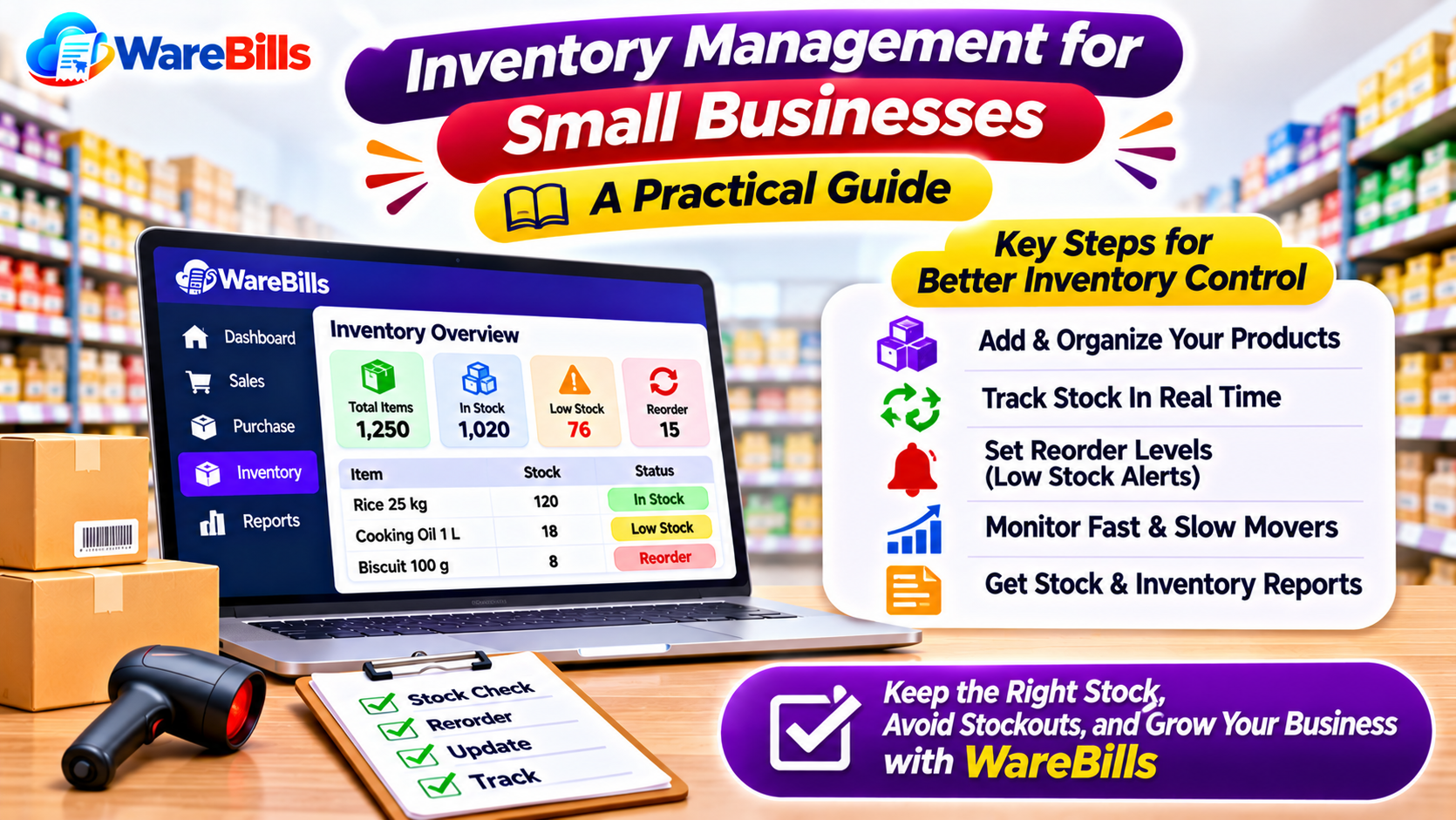
Many small businesses begin with notebooks or spreadsheets to record purchases and sales. These methods may work when the product range is limited, but keeping records accurate becomes more difficult as the business grows.
A structured inventory management process helps business owners understand what is available, what is selling, and what needs replenishment. Inventory management software can make this process easier by organizing stock information and connecting it with everyday business transactions.
What Is Inventory Management for Small Businesses?
Inventory management is the process of tracking products from purchasing and receiving to storage, sales, returns, and stock adjustments.
For a small business, effective inventory management means knowing:
- Which products are currently available.
- How much stock is held at each location.
- Which products sell quickly or slowly.
- When to reorder products.
- Which items are approaching their expiry date, where applicable.
- Whether recorded stock matches physical stock.
- How purchases and sales affect inventory.
Accurate inventory records help businesses make better decisions without relying only on memory or manual calculations.
Why Is Inventory Management Important for Small Businesses?
1. Prevents Stockouts
A stockout occurs when a product is unavailable when a customer wants to purchase it. Regular stock monitoring helps businesses identify products that need replenishment before they run out.
2. Reduces Excess Inventory
Buying more products than necessary ties up working capital and uses valuable storage space. Reviewing sales patterns and current stock helps businesses make more informed purchasing decisions.
3. Improves Cash Flow Planning
Inventory represents money invested in products. When businesses understand their stock levels and purchasing needs, they can plan spending more effectively.
4. Reduces Stock Record Errors
Recording purchases, sales, returns, and damaged goods consistently helps maintain more accurate inventory information.
5. Supports Better Customer Service
Reliable stock information helps staff answer availability questions, process orders more confidently, and reduce delays caused by unexpected shortages.
7 Practical Inventory Management Tips for Small Businesses
1. Maintain an Accurate Product List
Create a structured record for every product. Include the product name, SKU or code, unit of measurement, purchase price, selling price, and other relevant details.
For products with different sizes, colours, or package quantities, maintain separate identifiers where necessary.
Consistent product records reduce duplicate entries and make inventory reports easier to understand.
2. Record Every Purchase and Sale
Update stock records whenever products are received or sold. Also record purchase returns, customer returns, damaged items, and other stock adjustments.
If transactions are entered late, the quantity shown in the system may not reflect the actual stock available.
A consistent recording process is essential whether you use a spreadsheet or inventory management software.
3. Set Reorder Levels for Important Products
A reorder level indicates when a product should be considered for replenishment.
Businesses can estimate reorder levels by considering average demand, supplier delivery time, and the amount of safety stock needed.
For example, if a product sells approximately 10 units per day and the supplier takes five days to deliver, the business may need to plan for around 50 units of expected demand during that lead time, plus any appropriate safety stock.
Actual reorder levels should reflect demand variability, supplier reliability, and the business's purchasing constraints.
4. Identify Fast-Moving and Slow-Moving Products
Review sales records to understand which products move quickly and which remain in storage for long periods.
Fast-moving products may need more frequent replenishment. Slow-moving products may require closer purchasing control or a review of pricing and demand.
Avoid treating all products equally when deciding how much stock to purchase.
5. Conduct Regular Physical Stock Checks
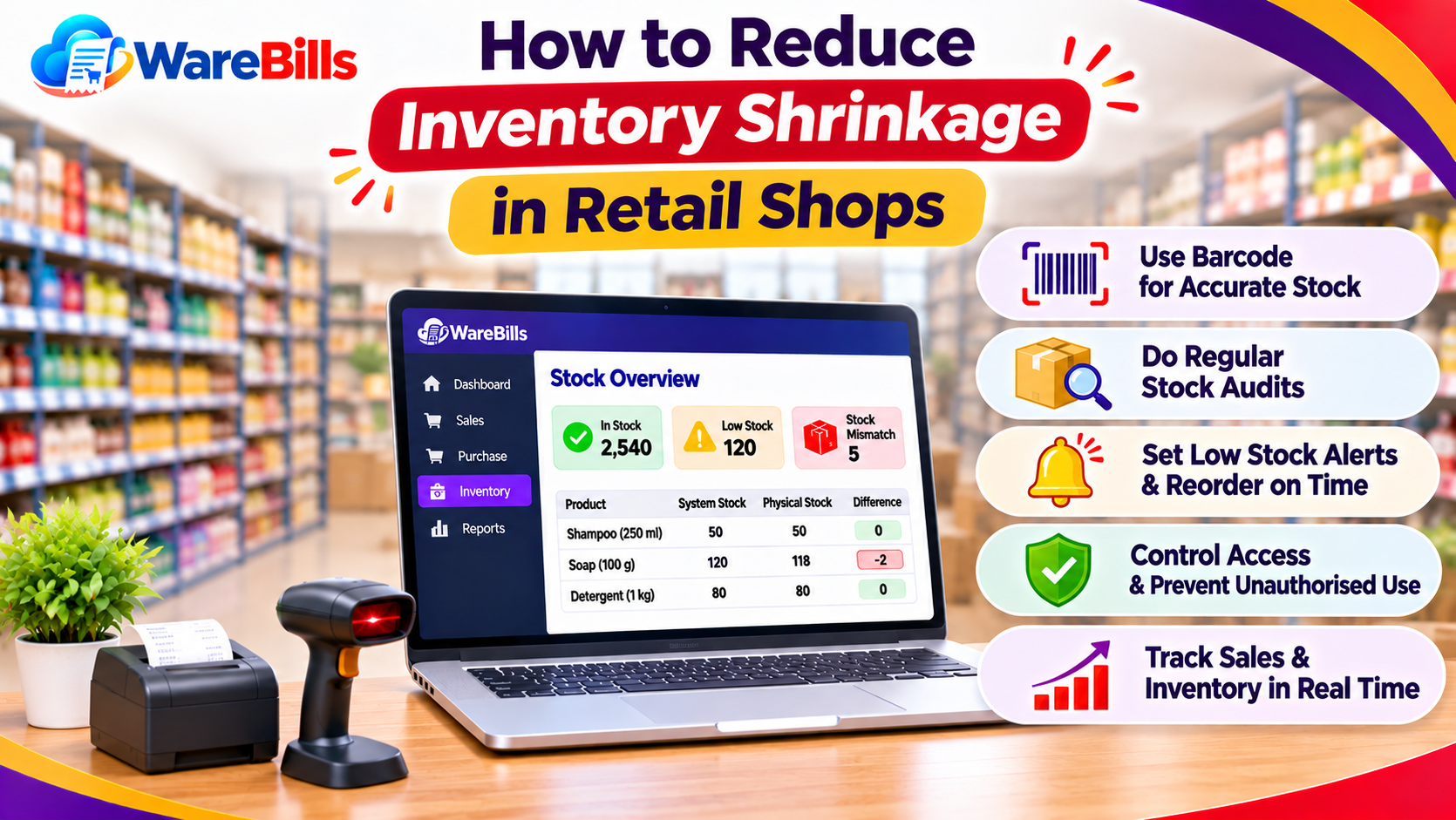
Count physical stock periodically and compare the quantities with your records.
Investigate differences before making adjustments. Possible causes include missed transactions, incorrect units, damaged products, theft, duplicate entries, or stock movements that were not recorded.
The frequency of stock checks should depend on product value, sales volume, and business risk.
6. Organize Products by Category and Location
Use clear product categories and consistent storage locations to help employees find items quickly.
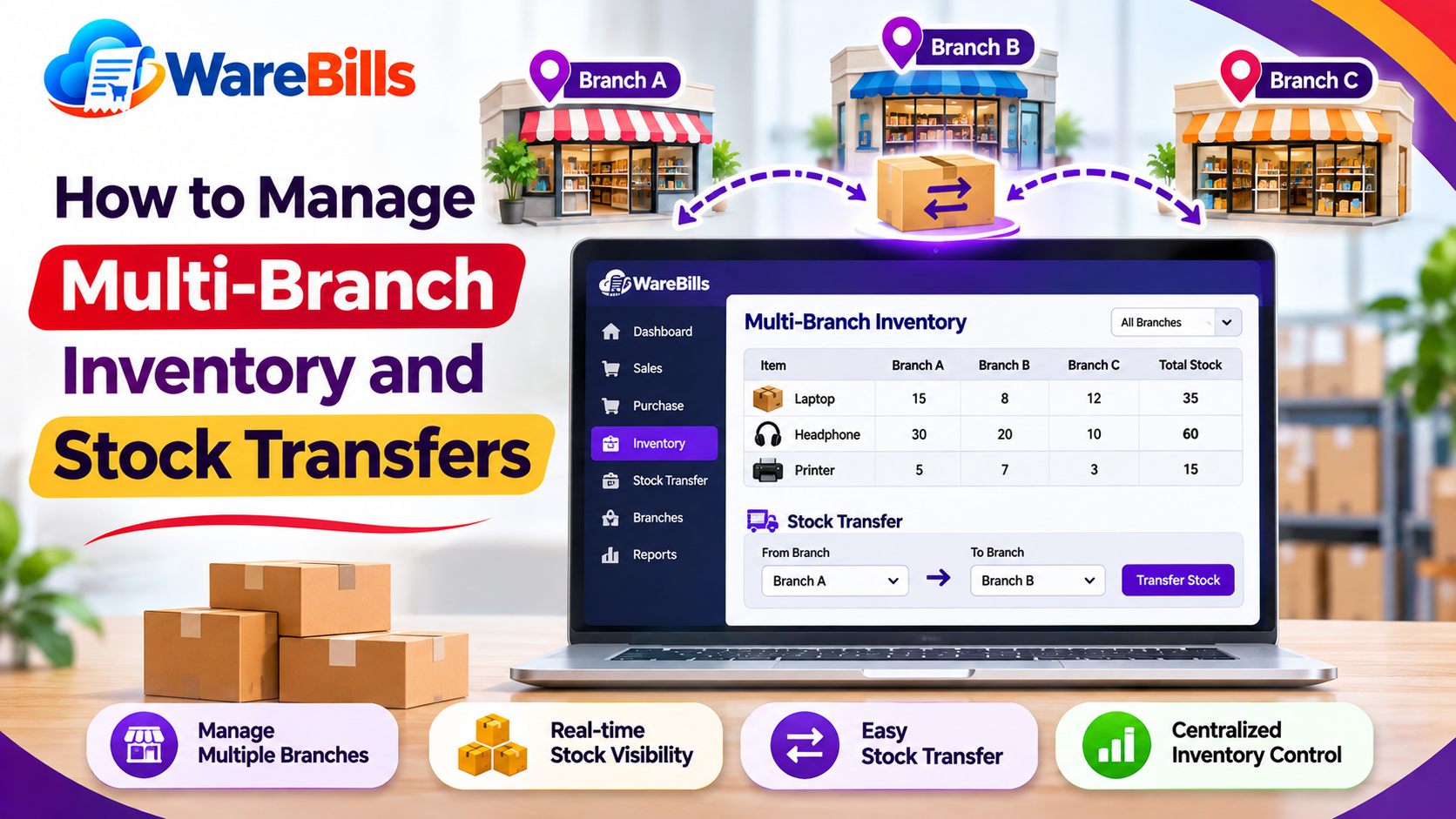
For businesses operating multiple warehouses or outlets, maintain separate stock records for each location and document transfers between them.
This reduces confusion and improves stock visibility across the business.
7. Use Inventory Management Software as You Grow
Inventory management software can help businesses organize product records, track stock movements, record purchases and sales, and generate inventory reports.
Depending on the system, it may also support barcode scanning, low-stock alerts, warehouse tracking, and billing integration.
Before choosing software, identify your actual requirements rather than paying for features your business does not need.
Common Inventory Management Mistakes to Avoid
Small businesses should watch out for these frequent mistakes:
- Purchasing products without checking existing stock.
- Failing to record returns and damaged goods.
- Maintaining duplicate product records.
- Ignoring slow-moving inventory.
- Using inconsistent product units or codes.
- Transferring stock without documentation.
- Depending entirely on memory to reorder products.
- Failing to compare physical stock with recorded quantities.
- Giving too many users unrestricted access to stock adjustments.
Regular reviews and clear procedures help prevent these problems from becoming expensive operational issues.
How WareBills Can Support Small Business Stock Management
WareBills provides billing and inventory management capabilities that businesses can evaluate for organizing product sales and stock-related workflows.
For a small business, suitable software should help connect sales and purchase transactions with inventory records, provide useful reports, and simplify routine billing tasks.
Before adopting WareBills, review its available inventory features, supported workflows, pricing, and suitability for your business's product range and operating model.
Explore the relevant WareBills product features or contact the team to understand whether the available solution matches your requirements
Conclusion
Inventory management is not just about counting products. It involves maintaining accurate records, planning replenishment, controlling purchasing, and understanding how stock moves through the business.
By following consistent stock management practices and adopting suitable software when needed, small businesses can reduce avoidable errors, make better purchasing decisions, and prepare for sustainable growth.