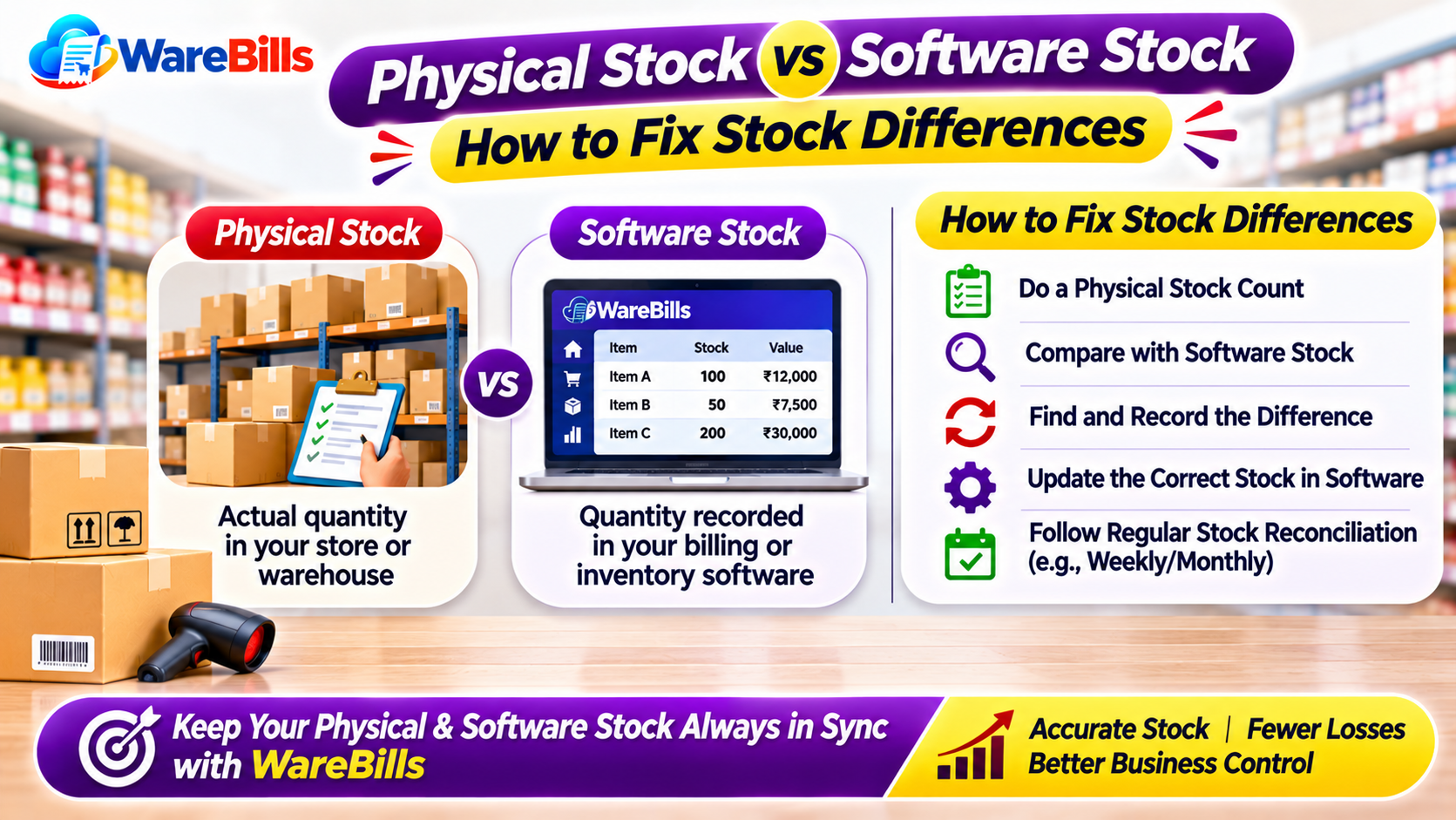
The solution is not simply to change the software quantity. Businesses should first identify why the difference occurred, verify the records and then make an authorised stock adjustment.
1. What Is Physical Stock?
Physical stock is the actual quantity of goods present at a business's storage locations when the stock count is performed.
It may include products stored in:
- Warehouse shelves and racks.
- Retail store shelves.
- Backroom storage areas.
- Receiving or dispatch areas.
- Other designated stock locations.
During a stock count, businesses should distinguish sellable goods from damaged, expired, quarantined or otherwise unavailable products.
This helps avoid counting every physically present item as available stock.
2. What Is Software Stock?
Software stock is the inventory quantity recorded in a billing, inventory or enterprise management system.
It is generally calculated from recorded stock movements, such as:
- Opening stock.
- Purchases and goods received.
- Sales and dispatches.
- Purchase returns.
- Sales returns.
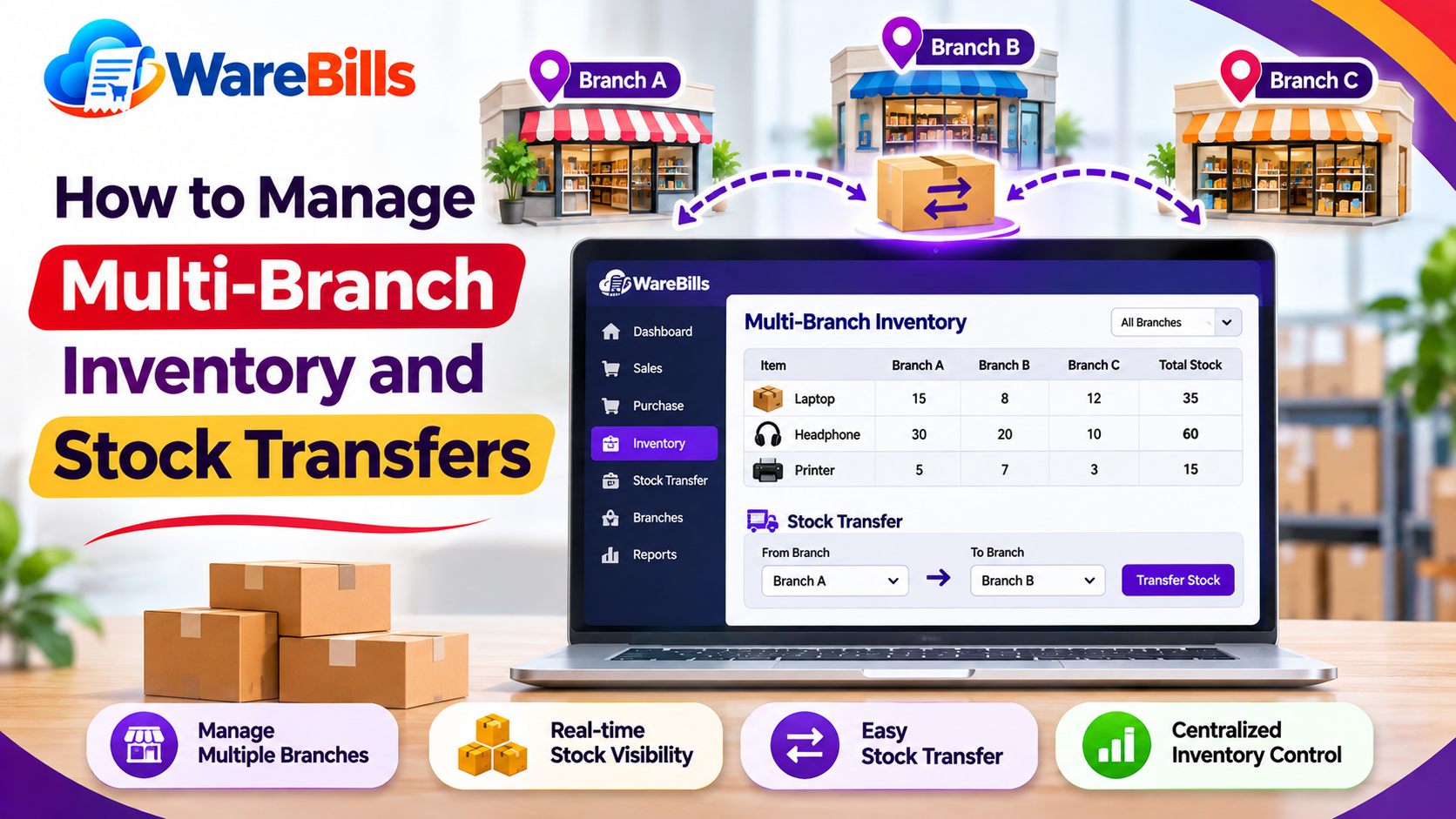
- Transfers between locations.
- Approved stock adjustments.
- Damaged or written-off stock, where tracked.
The recorded balance is reliable only when transactions are entered accurately and at the appropriate time.
3. Physical Stock vs Software Stock: Key Differences
The objective of stock reconciliation is to investigate differences between these records and bring them into agreement through documented, authorised corrections.
4. Common Reasons for Stock Differences
A. Purchases Not Recorded Correctly
Goods may arrive at the warehouse before the purchase or goods-received transaction is entered. Alternatively, the recorded quantity may differ from the actual quantity delivered.
Prevention: Compare supplier documents, received quantities and system entries before completing the receiving process.
B. Sales Not Updated Properly
A sale may be completed without the correct inventory deduction, or staff may select the wrong product during billing.
Prevention: Verify product codes and quantities and confirm that completed sales update the appropriate inventory records.
C. Duplicate Transactions
Repeated clicks, duplicate invoice creation or manual re-entry can cause stock to be deducted or added more than once.
Prevention: Check for duplicate transaction numbers and avoid processing the same transaction repeatedly when the system appears slow.
D. Incorrect Purchase or Sales Returns
Returns may be recorded against the wrong product, entered with an incorrect quantity or processed more than once.
Prevention: Link return records to the original transaction wherever practical and verify the actual quantity returned.
E. Warehouse Transfer Errors
Stock may be dispatched from one location but not recorded as received at the destination. Transfers can also be entered with the wrong quantity or product.
Prevention: Record dispatch and receipt details consistently, and investigate transfers that remain incomplete.
F. Damage, Expiry or Missing Goods
Products can be damaged, expired, misplaced or lost after being recorded in inventory.
Prevention: Document damaged and expired items, conduct regular stock counts and investigate unexplained shortages.
G. Unit-of-Measurement Mistakes
A product may be purchased in boxes and sold in individual units. Incorrect conversion settings can create apparent quantity differences.
Prevention: Verify the product's base unit, pack size and conversion rules before recording transactions.
5. Step-by-Step Stock Reconciliation Process
A consistent reconciliation process helps businesses correct discrepancies without creating further errors.
Step 1: Select the Product and Location
Choose the product, SKU and warehouse or store that needs verification. Avoid combining quantities from different locations unless the reconciliation specifically covers the entire business.
Step 2: Review the Recorded Quantity
Check the current software balance and identify the date and time of the report.
Consider transactions that may have occurred after the report was generated.
Step 3: Count the Physical Stock
Count the actual quantity at the selected location. Where possible, use a person who is not solely responsible for the original stock records to provide an independent check.
For large inventories, use cycle counting to verify selected products regularly.
Step 4: Check Pending Transactions
Review purchases awaiting receipt, completed but unposted transactions, sales dispatches, returns and stock transfers.
Make sure the physical count and software balance use the same cutoff time.
Step 5: Recalculate the Expected Quantity
Use a simple stock movement calculation:
Expected Closing Stock = Opening Stock + Stock Received − Stock Issued + Other Valid Stock Increases − Other Valid Stock Decreases
The exact calculation should account for the transactions and adjustments relevant to the business.
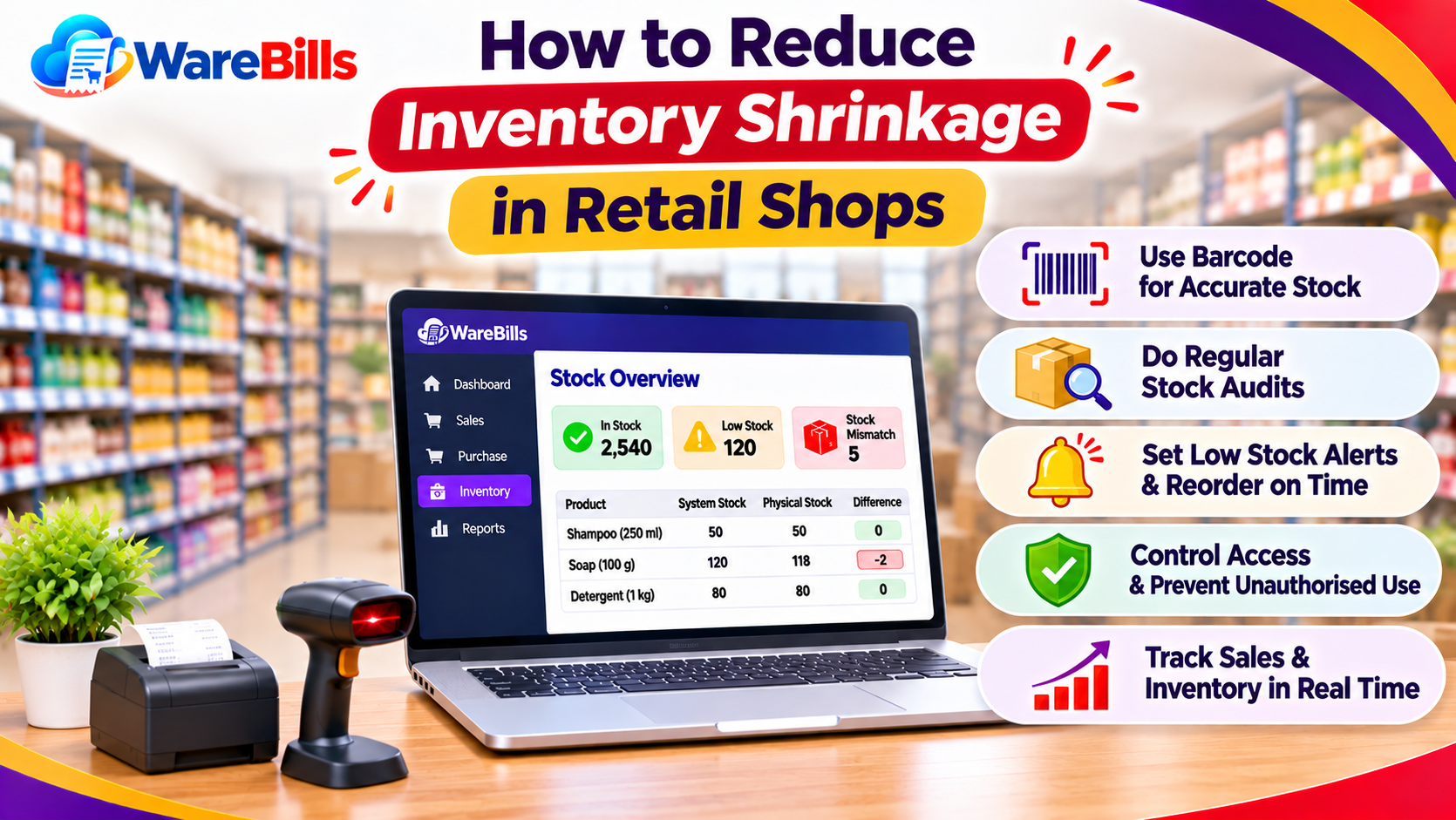
Step 6: Identify the Difference
Calculate the variance:
Stock Variance = Physical Stock − Software Stock
For example:
- Software stock: 100 units
- Physical stock: 92 units
- Stock variance: 92 − 100 = −8 units
The physical stock is eight units lower than the recorded quantity. Investigate the cause before making any adjustment.
Step 7: Correct the Records With Approval
If the discrepancy is confirmed and its cause is understood, make the appropriate correction according to the business's stock adjustment procedure.
Record the product, location, quantity changed, reason, date and approving person. Do not change the stock balance simply to make the two numbers match without investigating the discrepancy.
Step 8: Recheck the Updated Balance
After the correction, verify that the updated software quantity agrees with the confirmed physical quantity and that the adjustment appears correctly in the relevant records.
6. Example of a Stock Reconciliation
Suppose a wholesaler begins the day with 150 units in stock.
During the day:
- Goods received: 40 units.
- Units sold or dispatched: 55 units.
- Valid customer returns added to sellable stock: 3 units.
The expected closing quantity is:
150 + 40 − 55 + 3 = 138 units
If the physical count finds 135 units, the variance is:
135 − 138 = −3 units
The business should check for missing dispatch records, damaged goods, incorrect counts or other stock movements before approving an adjustment.
This example assumes all listed transactions are valid and relate to the same product, location and cutoff period.
7. How to Prevent Future Inventory Discrepancies
Businesses can reduce stock differences by establishing consistent operating procedures.
- Record purchases and sales promptly.
- Verify goods received against supplier documents.
- Use clear product codes to avoid selecting similar products incorrectly.
- Record stock transfers at both dispatch and receipt stages.
- Process returns using a consistent approval workflow.
- Separate damaged and expired products from sellable stock.
- Conduct regular physical counts.
- Restrict stock adjustments to authorised staff.
- Review inventory movement reports for unusual activity.
- Train employees on the correct transaction process.
Preventing discrepancies is generally more efficient than repeatedly correcting inventory after errors occur.
8. How Inventory Software Can Help
Inventory software can provide a central record of stock movements and make it easier to review purchases, sales, returns and adjustments.
Depending on the product's capabilities, useful functions may include:
- Product-wise stock reports.
- Warehouse-level stock visibility.
- Stock movement history.
- Purchase and sales transaction records.
- Stock adjustment records.
- Inventory reports for reconciliation.
Businesses considering WareBills can review its available inventory and reporting features to determine whether they meet their reconciliation needs. Confirm the required warehouse tracking, adjustment history and reporting capabilities before implementation.
Software can improve visibility, but accurate results still depend on proper transaction entry, physical verification and authorised corrections.
Conclusion
Differences between physical stock and software stock can disrupt sales, purchasing and day-to-day operations. The most effective response is to count carefully, review stock movements, identify the cause and document authorised corrections.
Regular reconciliation, clear stock handling procedures and suitable inventory software help businesses maintain reliable stock records and reduce repeated discrepancies.